
Free guide · Claude
Connect Claude to Meta Ads.
Meta now has an official Ads connector that lets Claude read your ad accounts and, with your permission, help manage them. Here is the ten-minute setup, the two places to set guardrails, and the research prompt I run on every account.
By Mohammad Mansoori8 min read
What's inside
- 01What you need, and what Claude can do once it's connected
- 02The seven-step setup, with the exact address to paste
- 03Guardrails in Claude and in Meta, before Claude changes anything
- 04The research prompt I run on every account
- 05Five quick prompts for daily use, and fixes when something breaks
01What you're setting up
The connector is Meta's own Ads MCP server: a secure bridge between Claude and your Meta ad accounts. You connect it once, then talk to your account in plain English. It is free and run by Meta, and it is still in open beta, so menu names can move a little.
You need
- A Claude account. The free plan allows one connector; Pro or higher if you want several.
- A Facebook profile with access to the ad account, through your Business Manager or business portfolio.
- About ten minutes. No developer app, no API keys, no code.
Claude can then
- Pull performance by campaign, ad set and ad, then explain it.
- Spot fatigue, anomalies, and ads spending without converting.
- Search the Ad Library for competitor angles.
- Check your Pixel and Conversions API setup.
- Draft campaigns, audiences and tests. New ones are always created paused.
The one rule
Claude can read your account freely, but you approve anything that spends money. Section 3 shows how to lock that in, in two places. Do it on day one.
02Connect it in seven steps
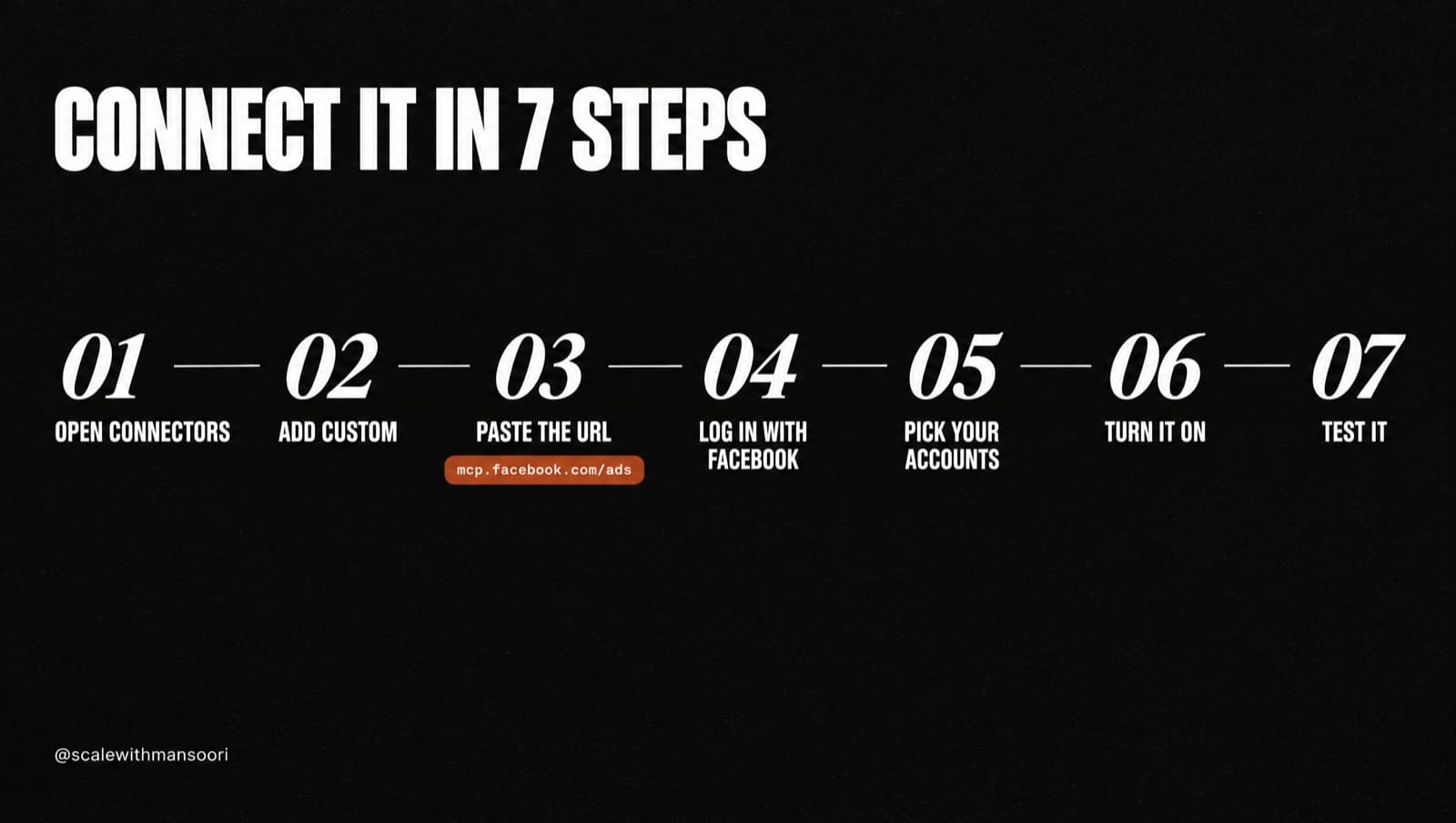
- Open Claude's connector settings
On claude.ai or the Claude desktop app, click your name (bottom left), then
Settings → Connectors. Newer versions may show this asCustomize → Connectors. - Add a custom connector
Click Add custom connector, or + → Add custom connector.
- Paste Meta's official address
Name it Meta Ads and paste
https://mcp.facebook.com/ads. Leave the advanced settings empty. - Log in with Facebook
Click Add, then Connect. A Facebook Login for Business window opens. Sign in with the profile that has access to your ad account.
- Choose only what you need
Meta asks which businesses, ad accounts, Pages and Instagram accounts to share. Pick “current ones only” and tick just the accounts Claude should see. Review the permissions, then save.
- Turn it on in a chat
Start a new chat, click + in the message box, open Connectors and switch Meta Ads on.
- Test it
Ask: “List my ad accounts and flag any delivery or payment issues.” If your accounts come back, you're connected.
03Set your guardrails
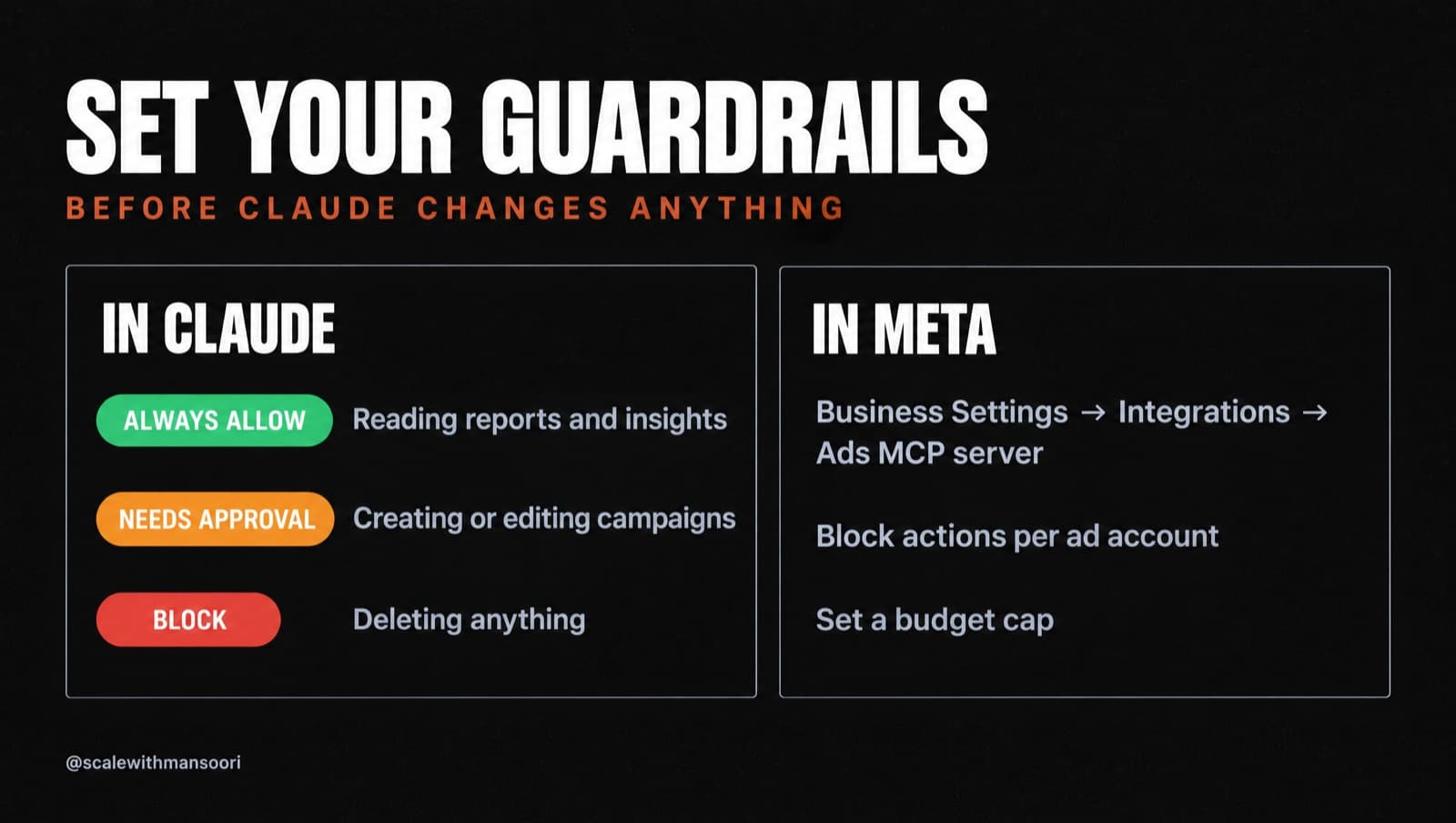
There are two switchboards. Set both before you ask Claude to change anything.
A · In Claude: per-tool permissions
Go to Settings → Connectors → Meta Ads. Every tool has its own permission setting.
| Setting | Use it for |
|---|---|
| Always allow | Reading: performance, insights, Ad Library, Pixel checks. |
| Needs approval | Anything that creates, edits or turns on a campaign, ad set, ad, budget or audience. |
| Block | Deleting anything, if you don't want it to be possible at all. |
B · In Meta: account-level rules
Go to Business Settings → Integrations → Ads MCP server. For each ad account you can block specific actions (editing budgets, creating campaigns, ad sets or ads, editing targeting or creative, changing status) and set a budget cap. For a pure analyst setup, block every write action.
04The prompt I use on every account
Paste it into a new chat with Meta Ads switched on and replace the parts in brackets. It runs read-only: an audit, a creative read, competitor research, then a plan.
You are my senior Meta ads strategist. Use the Meta Ads connector. READ ONLY: do not create, edit or pause anything.

CONTEXT
Brand: [brand + website] · Offer: [product + price]
Margin after costs: [%] · Market: [country/city]
Goal: [purchases / leads] · Target CPA: [amount]

1 · AUDIT (last 30 days)
Pull spend, results, CPA and ROAS by campaign, ad set and ad.
Flag: ads that spent 2× my target CPA with no result · frequency above 3 with falling CTR · ad sets stuck in limited learning.

2 · CREATIVE READ
Group my ads by angle (price, pain, status, proof, convenience, gifting). Which angles win, which are over-tested, which are missing?

3 · COMPETITOR RESEARCH
Search the Ad Library for [3 competitors] and [category keywords] in [country]. List the angles and formats they've run the longest. Which angle is everyone using? Which one is nobody using?

4 · PLAN
Give me 10 new angles ranked by likely impact. For each one: a hook (first 3 seconds), a headline and the best format. Then 3 tests to run this week, with how to split the budget.

RULES
Put numbers in tables. Say clearly when data is missing or you're unsure. Profit beats ROAS: judge everything against my margin.
05Five quick prompts for every day
“Summarise my active campaigns from the last 7 days: spend, results, CPA. What changed vs the week before?”
“Find ads whose CTR dropped 30% or more week over week. These are my fatigued creatives.”
“Which ads spent the most without a single conversion this month?”
“Check my Pixel and Conversions API. Are purchase events firing once, with value?”
“Draft 3 new ad sets to test my best angle on new audiences. Create them paused and show me first.”
If something doesn't work
| Problem | Fix |
|---|---|
| Login fails | Your Facebook profile needs a role on the business or the ad account. |
| An ad account is missing | Disconnect, reconnect, and tick it during the Facebook step. |
| “Action denied” | A rule under Business Settings → Integrations → Ads MCP server is blocking it, or you've hit the budget cap. |
| Team or Enterprise plan | An owner has to add the connector in the organisation settings first. |
| Using Claude Code? | Run claude mcp add --transport http meta-ads https://mcp.facebook.com/ads, then /mcp → meta-ads → Authenticate. |
Work with me
Want me to build yours?
Use this guide to set up your account. If you'd rather I look at it myself, message me the word AUDIT and I'll show you where the money is leaking before you pay anything.
More free resources
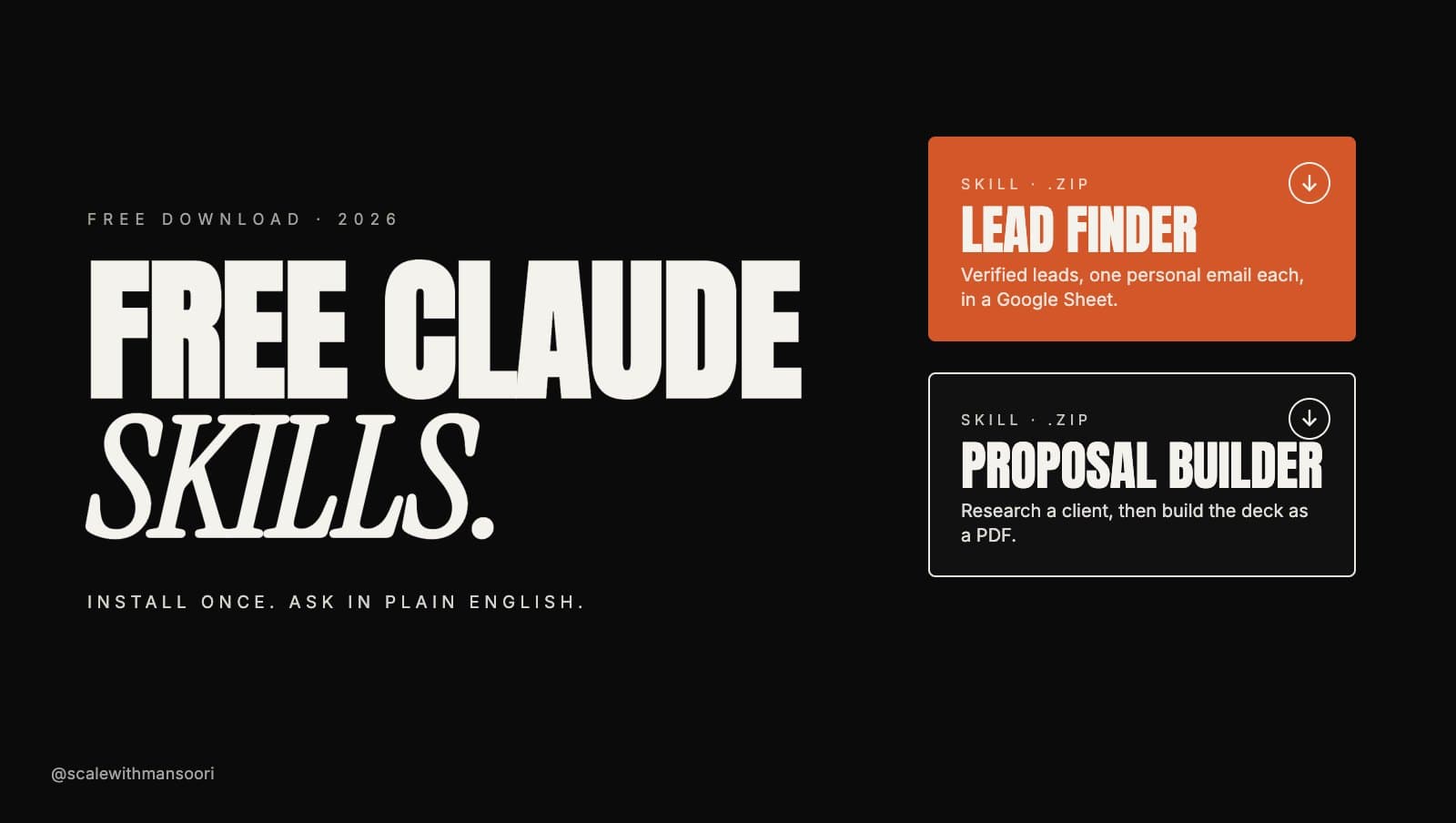
Free Claude Skills: Lead Finder and Proposal Builder
Two Claude skills you can download and install in a minute. Lead Finder builds a verified lead list with a personal email for each lead. Proposal Builder researches a client and builds the deck as a PDF.
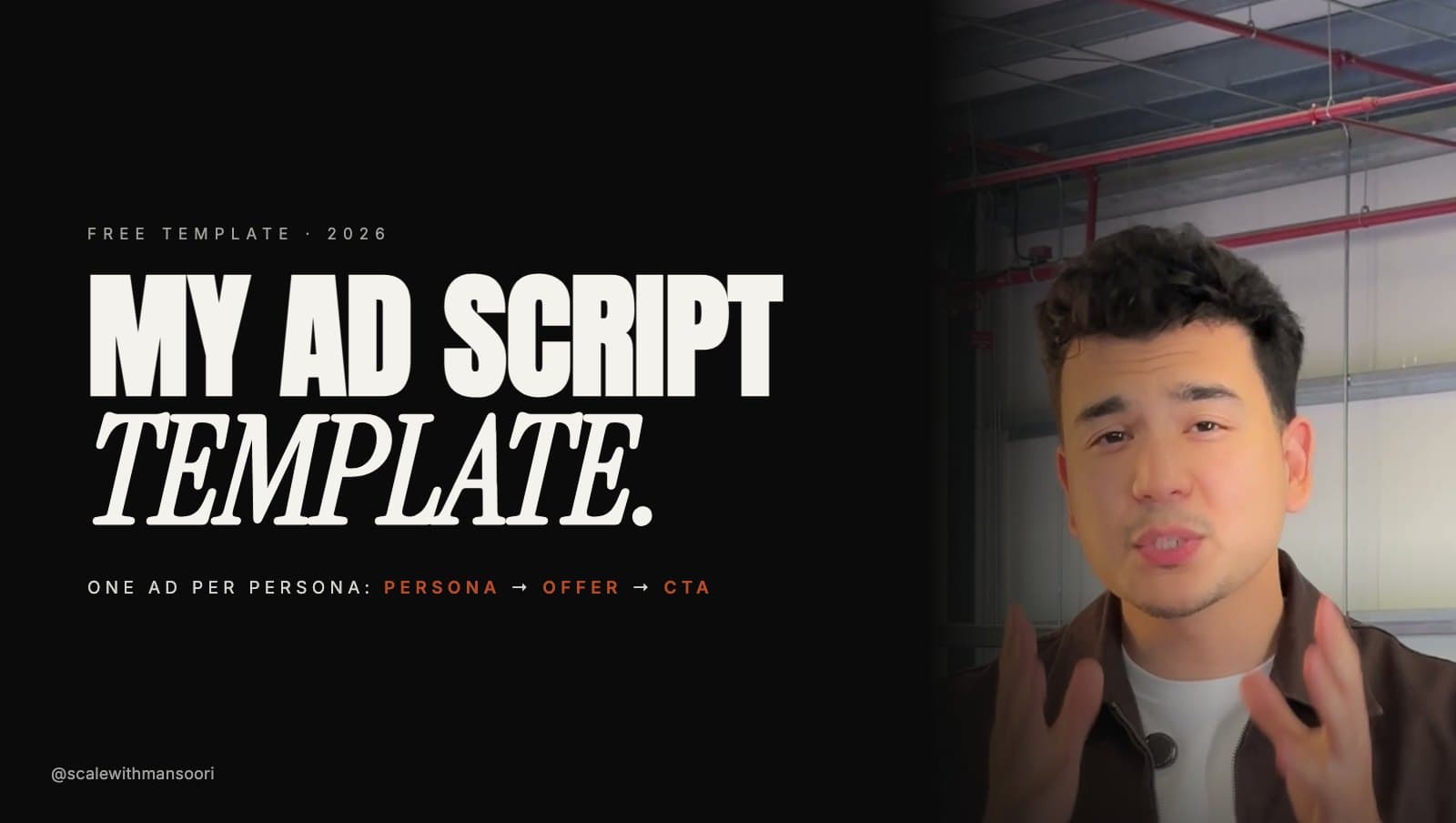
My Ad Script Template
How I script Meta ads since Andromeda: one ad per persona, in three parts (persona, offer, CTA). Fill-in template, a worked example, and a Claude prompt that writes a script for each of your personas.

My Meta Ads Campaign Strategy
The structure, budgets and testing system I run on every Meta ads account in 2026: three campaigns, the break-even maths, kill and scale rules, and a weekly rhythm.